Use Charm VHS when the README or a docs
page needs a terminal recording of a real uploads command. Host the gif and
the mp4. Embed the embed.uploads.sh URL. Leave the binary out of git.
Use .context/ for social scratch: captions, one-off posts, and drafts that
stay on your machine. That folder is gitignored. A README embed and a docs
page read the hosted URL.
scripts/demos is a separate Remotion package. It renders square social loops.
brew install vhsVHS records through ttyd and encodes with ffmpeg. Homebrew installs both.
Short CLI demos share one style. Put the Set block before Type. Width is
always 1500. Set Height comes from the band for that tape.
Set Shell "bash"
Set Theme "Catppuccin Mocha"
Set FontSize 32
Set Width 1500
Set Padding 48
Set Margin 40
Set MarginFill "#1e1e2e"
Set BorderRadius 12
Set WindowBar Colorful
Set WindowBarSize 40
Set TypingSpeed 45ms
Set CursorBlink false
Set LoopOffset 40%
Set Framerate 30| Tape | Height | Canvas |
|---|---|---|
| feed-create, feed-create-pr | 440 | 1500×440 |
| changelog | 420 | 1500×420 |
| docs-feeds | 520 | 1500×520 |
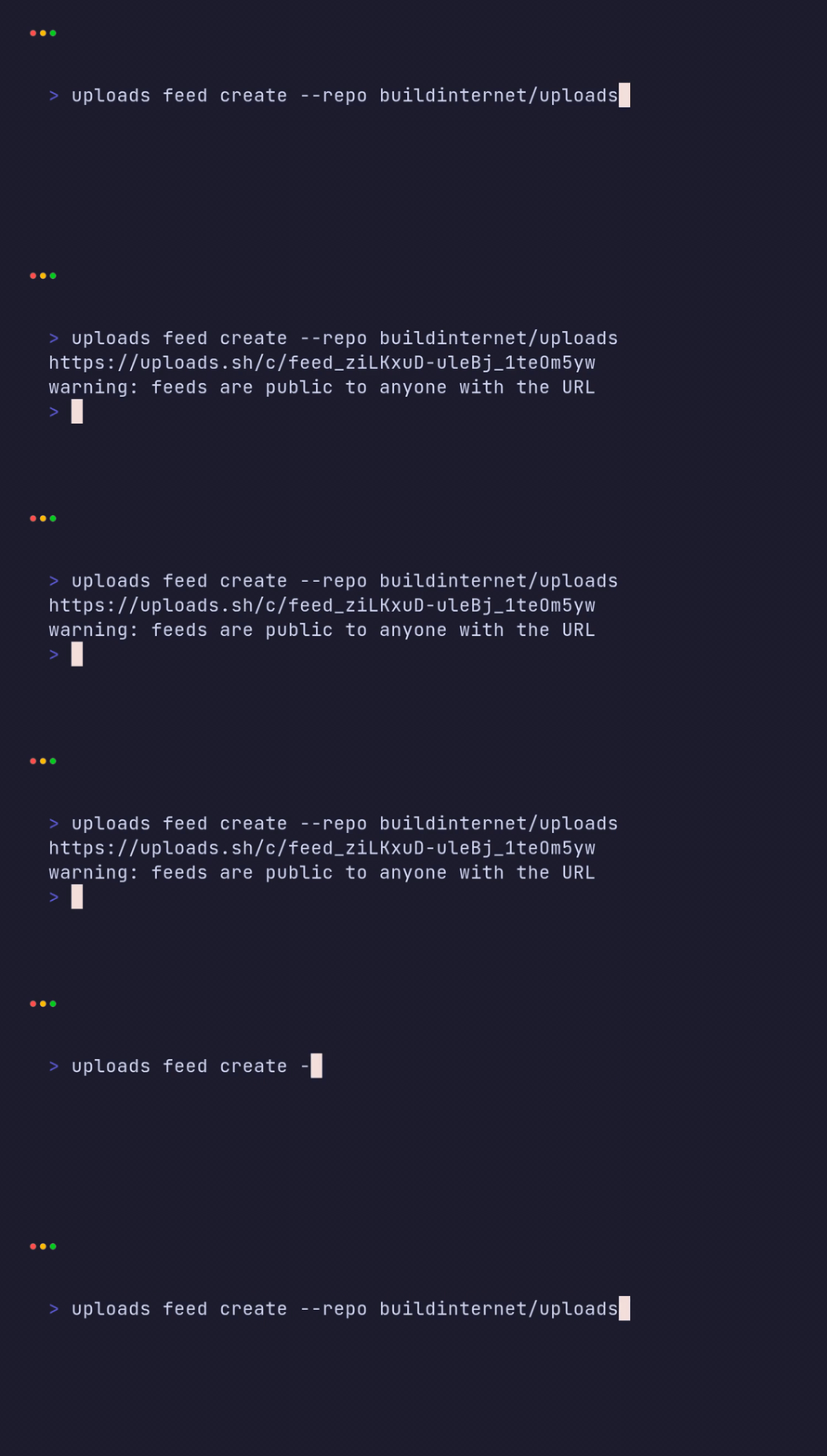
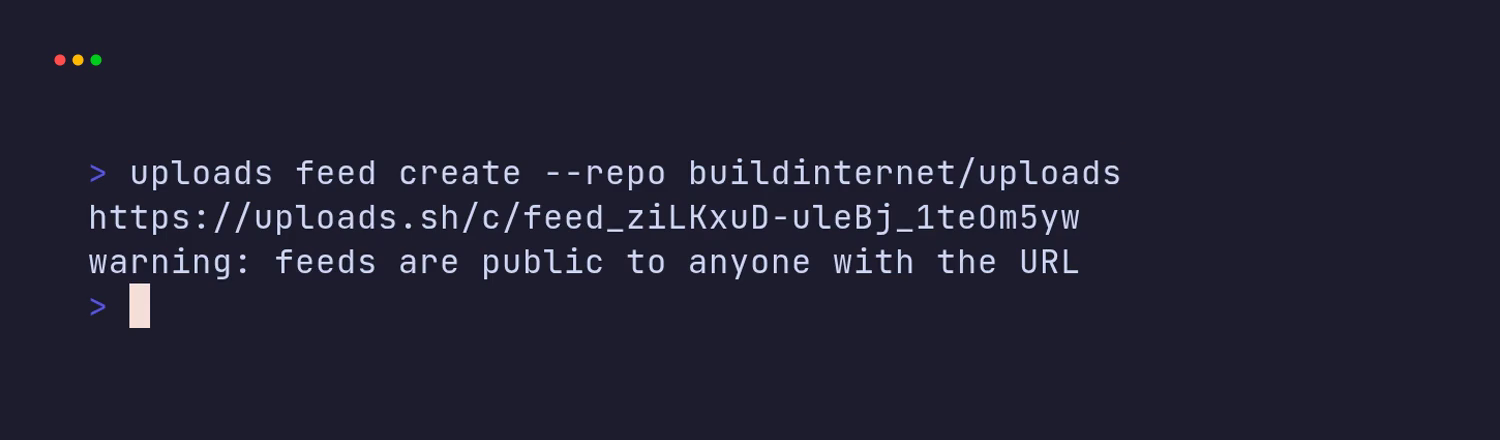
Feed tapes use height 440 so the command, the URL, the public-feed warning,
and the next prompt all stay on screen.
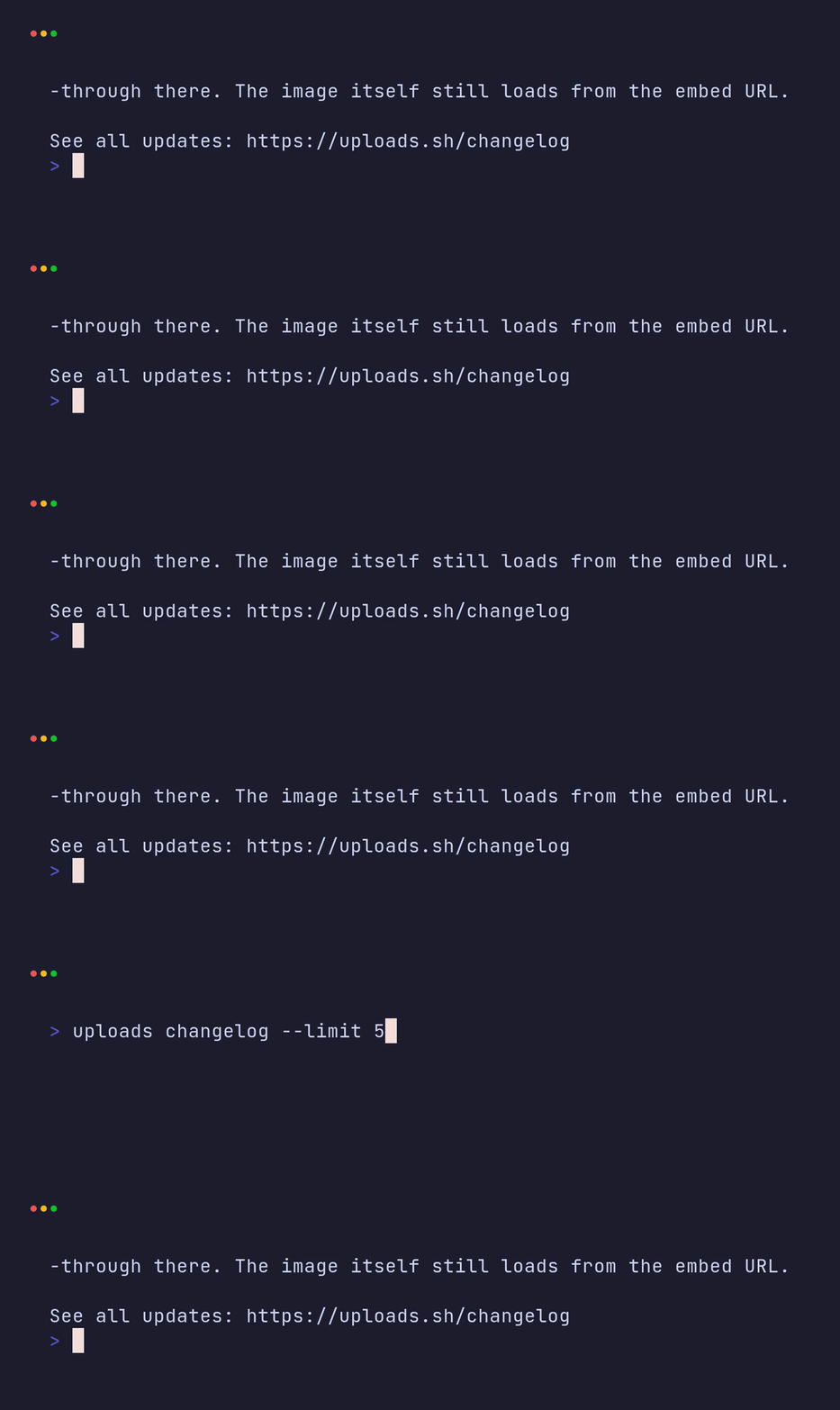
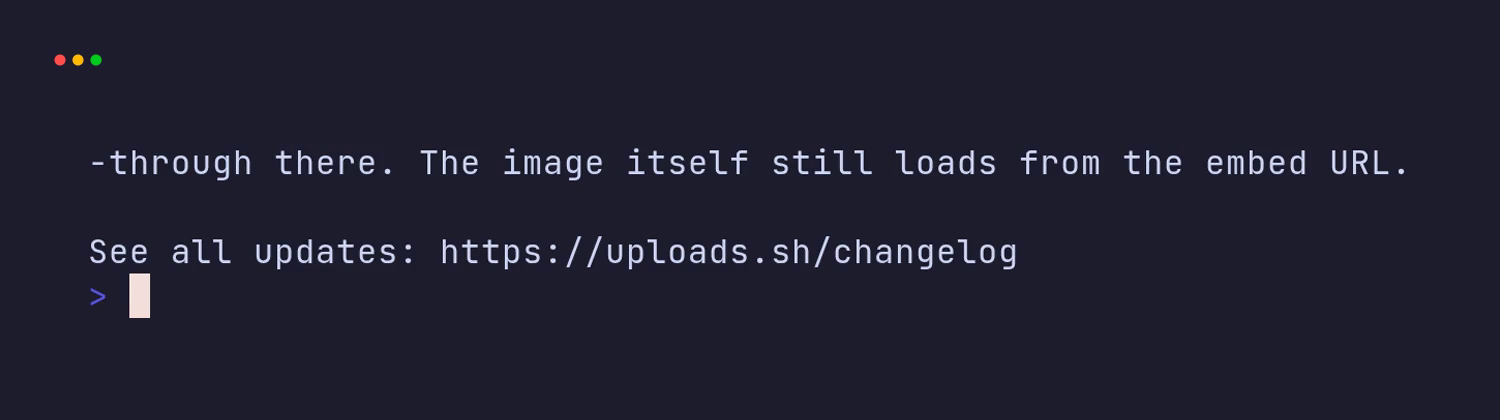
A typed command fits on one terminal line. A wrapped fragment (a lone s from
.../uploads) must not sit alone above the command output.
At this font size, padding, margin, and window bar, width 1500 fits the
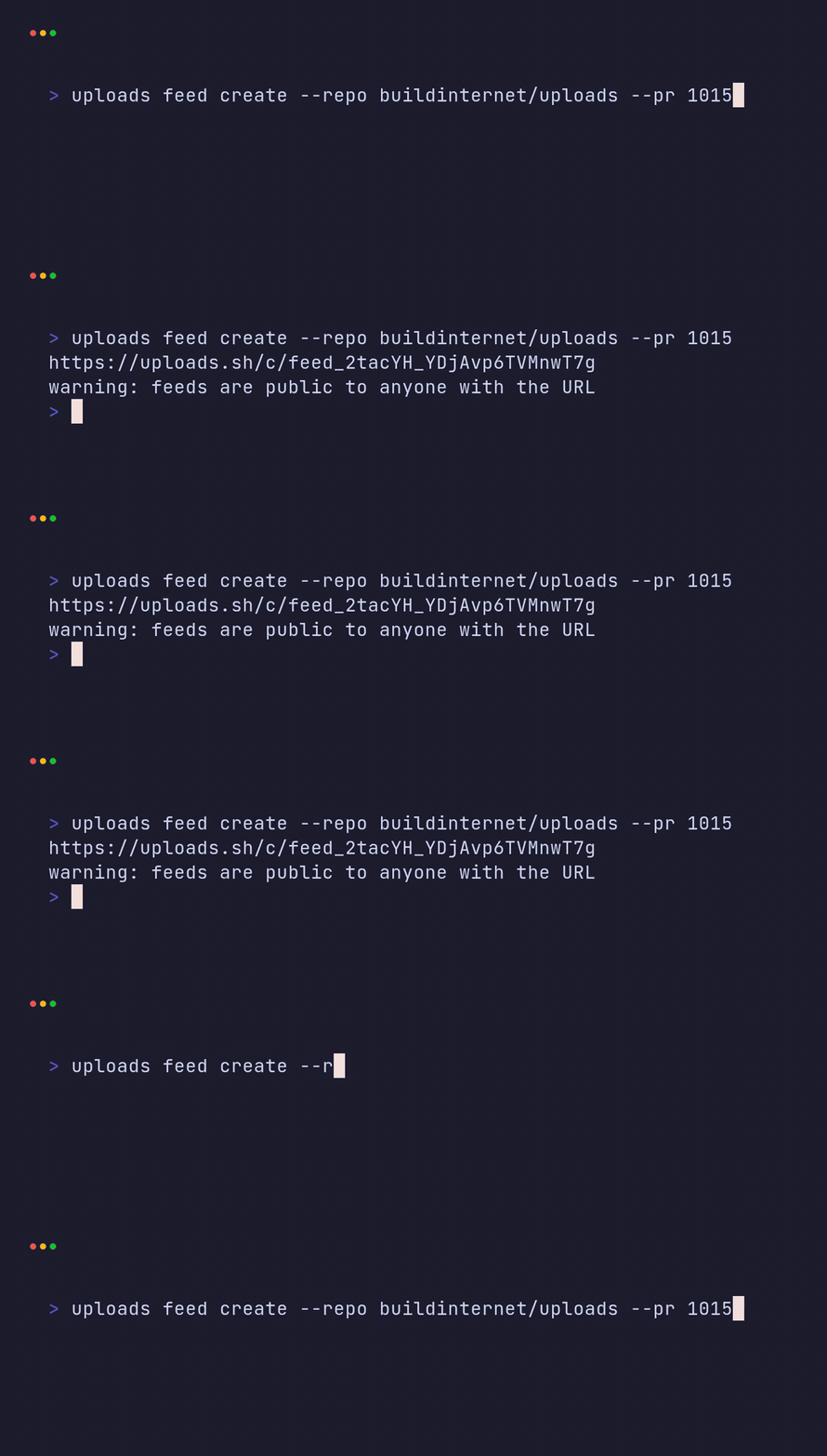
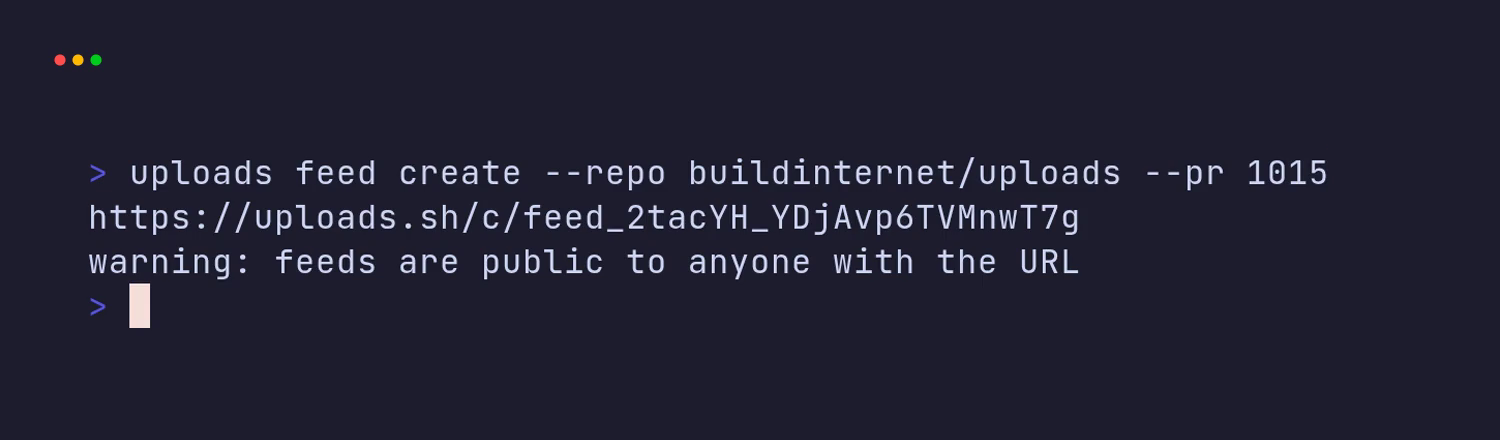
longest current demo, uploads feed create --repo buildinternet/uploads --pr 1015.
A longer command needs a wider Width, or a shorter typed line, before you
record.
| Moment | Sleep |
|---|---|
Before Type |
500ms |
After Type, before Enter |
500ms |
After Enter (feed demos) |
2s |
After Enter (changelog) |
5s |
After Enter (docs-feeds) |
4s |
| After the output hold | 2.5s |
This tape records uploads feed create --repo buildinternet/uploads.
Output feed-create.gif
Output feed-create.mp4
Output frames-feed-create/

Set Shell "bash"
Set Theme "Catppuccin Mocha"
Set FontSize 32
Set Width 1500
Set Height 440
Set Padding 48
Set Margin 40
Set MarginFill "#1e1e2e"
Set BorderRadius 12
Set WindowBar Colorful
Set WindowBarSize 40
Set TypingSpeed 45ms
Set CursorBlink false
Set LoopOffset 40%
Set Framerate 30

Env UPLOADS_API_URL "https://api.uploads.sh"

Sleep 500ms
Type "uploads feed create --repo buildinternet/uploads"
Sleep 500ms
Enter
Sleep 2s
Sleep 2.5s
Run vhs from the directory that should receive the files.
vhs feed-create.tapeFor the other demos, change the height, the typed command, and the hold after
Enter:
| Demo | Height | Hold after Enter |
Command |
|---|---|---|---|
| feed-create-pr | 440 | 2s |
uploads feed create --repo buildinternet/uploads --pr 1015 |
| changelog | 420 | 5s |
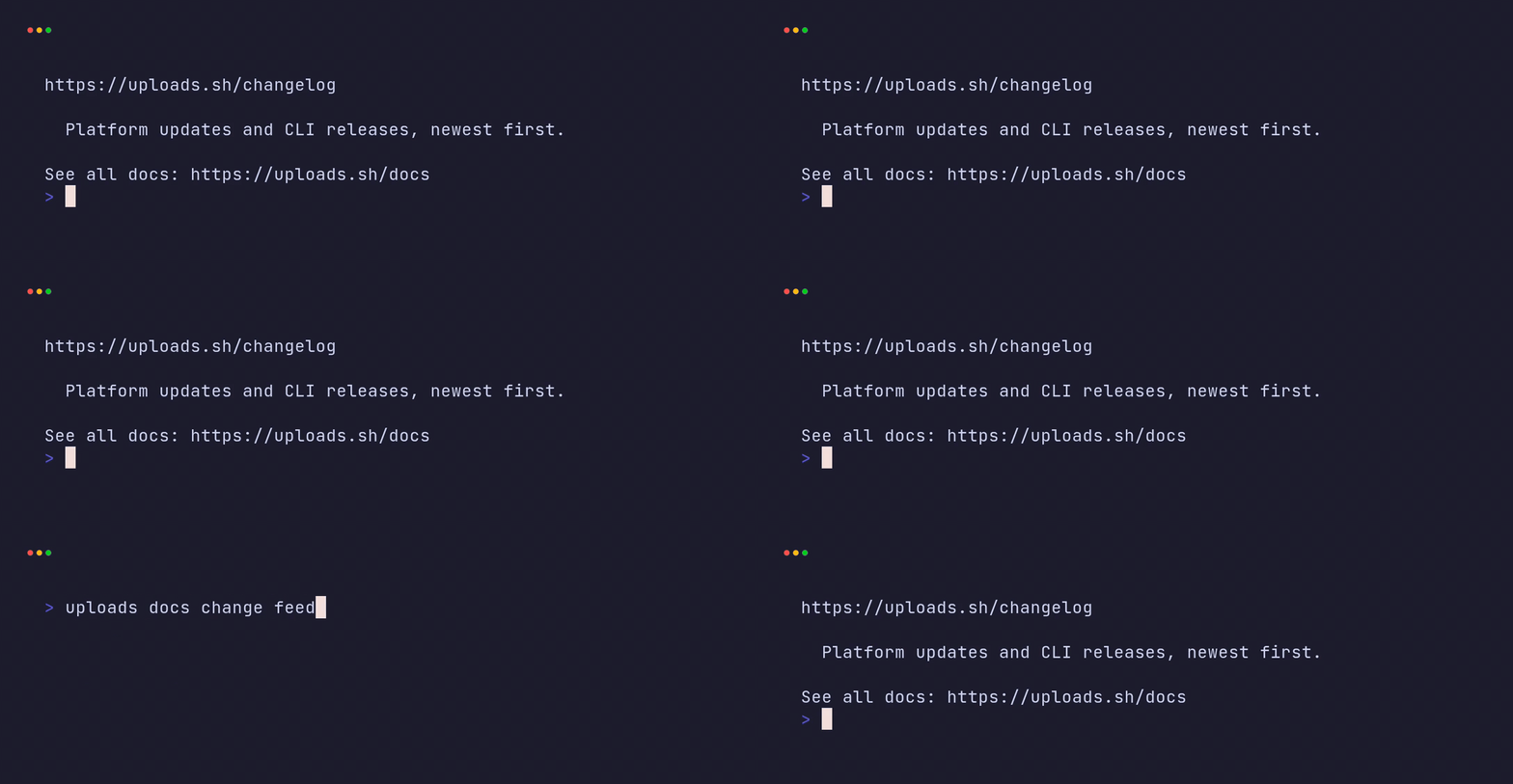
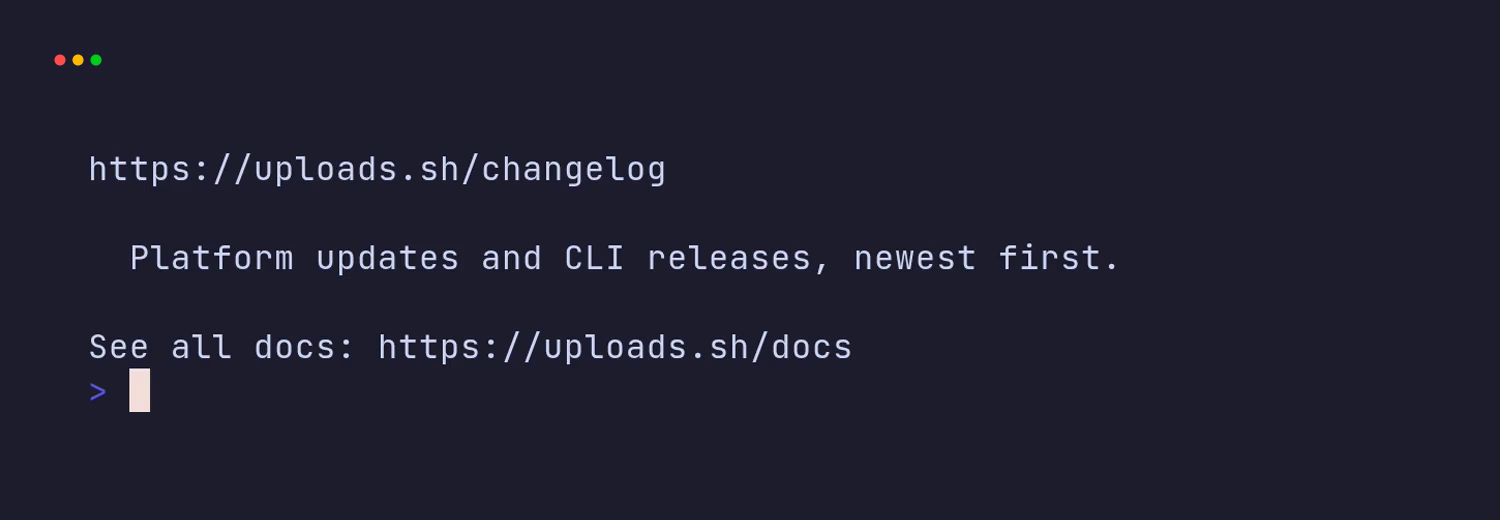
uploads changelog --limit 5 |
| docs-feeds | 520 | 4s |
uploads docs change feed |
Each of those tapes still ends with Sleep 2.5s.
On a Mac, Output paths are relative. Write Output feed-create.gif. An
absolute path fails. The path is relative to the directory where you run
vhs.
Point the CLI at the hosted API. A local shell often sets
UPLOADS_API_URL to http://localhost:8787. The tape sets the hosted API
with Env, so the recording does not follow that local value:
Env UPLOADS_API_URL "https://api.uploads.sh"Native gif and mp4 output may write nothing. VHS can print Creating…
and leave the gif and the mp4 missing. Keep Output frames-<name>/ on the
tape so the png sequence survives. Do not create that directory yourself
before vhs runs. VHS moves its temp directory onto that path. An empty
directory you create first blocks the move.
Encode the frames afterward. Re-apply the padding in ffmpeg. Raw frames omit
the padding, the margin, and the window bar that native encode would add.
Chrome is optional: when bar.png (the Colorful window bar) and mask.png
(the 12px corner mask) sit in the frames directory, composite them the way
the script below does.
The script reads frames at 50 fps and emits 30 fps video. It writes an mp4, a palette gif, and a preview still at 55% of the duration. Pass the frames directory, the output basename, and the tape height:
#!/usr/bin/env bash
set -euo pipefail
FRAMES="$1"
OUT_BASE="$2"
HEIGHT="${3:-400}"
WIDTH=1500
PADDING=48
MARGIN=40
BAR_SIZE=40
BG="0x1e1e2e"
MARGIN_FILL="0x1e1e2e"

TERM_W=$((WIDTH - 2*MARGIN))
TERM_H=$((HEIGHT - 2*MARGIN - BAR_SIZE))
PAD_INNER_W=$((TERM_W - 2*PADDING))
PAD_INNER_H=$((TERM_H - 2*PADDING))

first=$(ls "$FRAMES"/frame-text-*.png | sed 's/.*frame-text-//;s/\.png//' | sort -n | head -1)
last=$(ls "$FRAMES"/frame-text-*.png | sed 's/.*frame-text-//;s/\.png//' | sort -n | tail -1)
first=$((10#$first)); last=$((10#$last)); n=$((last - first + 1))
echo "encode $OUT_BASE: $n frames canvas ${WIDTH}x${HEIGHT}"

PADDED="${OUT_BASE}.padded.mp4"

ffmpeg -y -hide_banner -loglevel error \
  -r 50 -start_number "$first" -i "$FRAMES/frame-text-%05d.png" \
  -r 50 -start_number "$first" -i "$FRAMES/frame-cursor-%05d.png" \
  -frames:v "$n" \
  -filter_complex "[0][1]overlay,scale=${PAD_INNER_W}:${PAD_INNER_H}:force_original_aspect_ratio=decrease,pad=${TERM_W}:${TERM_H}:(ow-iw)/2:(oh-ih)/2:${BG},fps=30,format=yuv420p" \
  -c:v libx264 -pix_fmt yuv420p -an -crf 18 \
  "$PADDED"

DUR=$(ffprobe -v error -show_entries format=duration -of csv=p=0 "$PADDED")

ffmpeg -y -hide_banner -loglevel error \
  -i "$PADDED" \
  -loop 1 -t "$DUR" -i "$FRAMES/bar.png" \
  -loop 1 -t "$DUR" -i "$FRAMES/mask.png" \
  -f lavfi -t "$DUR" -i "color=${MARGIN_FILL}:s=${WIDTH}x${HEIGHT}:r=30" \
  -filter_complex "[1][0]overlay=0:${BAR_SIZE}[withbar];[withbar][2]alphamerge[rounded];[3][rounded]overlay=(W-w)/2:(H-h)/2[out]" \
  -map "[out]" -c:v libx264 -pix_fmt yuv420p -movflags +faststart -an -crf 20 -t "$DUR" \
  "${OUT_BASE}.mp4"

rm -f "$PADDED"

ffmpeg -y -hide_banner -loglevel error -i "${OUT_BASE}.mp4" \
  -vf "fps=15,split[s0][s1];[s0]palettegen=max_colors=192:stats_mode=diff[p];[s1][p]paletteuse=dither=bayer:bayer_scale=5" \
  "${OUT_BASE}.gif"

SS=$(python3 -c "print(max(0.3, float('$DUR')*0.55))")
ffmpeg -y -hide_banner -loglevel error -ss "$SS" -i "${OUT_BASE}.mp4" -frames:v 1 "${OUT_BASE}-preview.png"
Run it as bash encode-from-frames.sh frames-feed-create feed-create 440.
Pass the height band as the third argument (440, 420, or 520). The
script's own fallback of 400 is only a placeholder. Skip the second
ffmpeg (the bar.png / mask.png composite) when those files are absent,
and palette-encode $PADDED instead of the chrome mp4.
Upload with an explicit key and --replace. The key is hash-free, so the URL
stays stable and every embed updates in place.
uploads put ./feed-create.gif --key f/docs/vhs-cli/feed-create.gif --replace
uploads put ./feed-create.mp4 --key f/docs/vhs-cli/feed-create.mp4 --replace
uploads put ./feed-create-preview.png --key f/docs/vhs-cli/feed-create-preview.png --replace
Paste the embedUrl from the response. That host is
https://embed.uploads.sh/.... GitHub's image proxy revalidates it, so a
replaced gif shows up in the README.
Do not commit the gif or the mp4. The stills in docs/assets/readme-*.png
stay in git. Those files are static product screenshots.
Publish the preview still at f/docs/vhs-cli/<name>-preview.png.
These four recordings are on the default workspace, under f/docs/vhs-cli/.
Replace one with the uploads put command above. Use the same key.
The README embeds feed-create only. That clip is one command and one URL. changelog, feed-create-pr, and docs-feeds stay in this table as hosted examples. They are not README embeds. Dense multi-line CLI output wraps and scrolls, so a mid-GIF frame can show a truncated fragment. Re-record that kind of command with care before it goes in the README or in a social post.