Very WIP! Not ready for release. Expect many bugs. Please don't sign builds on AMO with current ID.
Credit:
- Linux
- macOS
- Windows
Install the Firefox extension and companion bridge application. Downloads can be found on the website or in the GitHub releases section.
macOS/Windows versions have installers, Linux packages can be installed via the command line:
# Debian/Ubuntu
sudo dpkg -i fx_cast_bridge.deb

# Fedora
sudo dnf install fx_cast_bridge-<version>.<arch>.rpm-
Arch Linux (AUR) - https://aur.archlinux.org/packages/fx_cast/
yay -S fx_cast
- NodeJS
- dpkg (for building deb packages)
- rpm (for building rpm packages)
- macOS (for building macOS installer packages)
macOS:
brew install dpkg rpmDebian/Ubuntu:
sudo apt install dpkg rpmFedora:
sudo dnf install dpkg rpm-buildArchlinux:
At the moment, pkg has a bug, until fixed nodejs has to be downgraded to 10.12.0:
sudo pacman -S nvm dpkg
yay -S rpm-org
echo 'source /usr/share/nvm/init-nvm.sh' >> ~/.bashrc
nvm install 10.12.0git clone https://github.com/hensm/fx_cast.git
cd fx_cast
npm install
npm run build
npm run install-manifestThis will build the ext and app, outputting to dist/:
-
... contains the bridge binary and manifest with the path pointing that binary.
install-manifestcopies this manifest to the proper location (or adds its current location to the registry). - ... contains the unpacked extension.
Watching ext changes:
npm run watch --prefix ./extLaunch Firefox and auto-reload on rebuild (run in separate terminal):
npm run start --prefix ./extPackaging currently only possible for macOS/Linux. macOS packages can only be created on macOS, Linux .deb/.rpm packages can be built on any platform with dpkg-deb and rpmbuild binaries.
-
... contains the installer package:
fx_cast_bridge.(pkg|deb|rpm|exe) -
... contains the built extension in the format
fx_cast-<version>.zip.
Build and package app and extension for current platform:
npm run packageBuild and package app for linux platforms:
npm run package --prefix ./app -- --platform=linux --packageType=deb
npm run package --prefix ./app -- --platform=linux --packageType=rpm--platform"win","mac","linux"
Select the platform to build for.--packageType"deb","rpm"
Select the package type. Defaults todeb. Only relevant when building for Linux.
Testing requires geckodriver (or chromedriver for Chrome parity testing). See selenium-webdriver installation instructions (ignore npm install).
Test results will be displayed within the opened browser tab.
npm run build --prefix ./app
npm run install-manifest
npm run package --prefix ./ext
npm test
SELENIUM_BROWSER=chrome npm testExtension can be loaded from about:debugging as a temporary extension.
Most sites won't load the cast API unless the browser presents itself as Chrome. The extension includes a method of spoofing the user agent string, sites can be whitelisted via the options page. Whitelist entries are specified as match patterns. To whitelist all sites, add <all_urls> to the whitelist, though this could cause breakage on random sites.
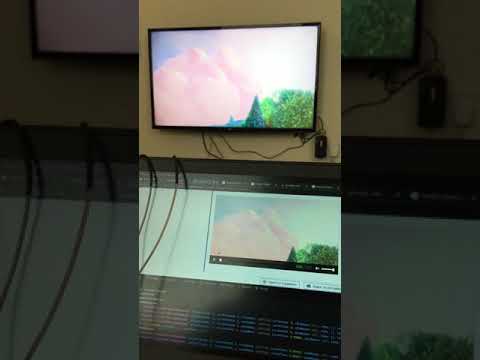
HTML5 media elements have a "Cast..." context menu item that triggers a sender application. Only works on remote (non-local) media that isn't DRM-encumbered.
Cast-enabled websites will load the sender API shim and display a cast button as in Chrome, provided there are no bugs/incompatibilities with the shim.
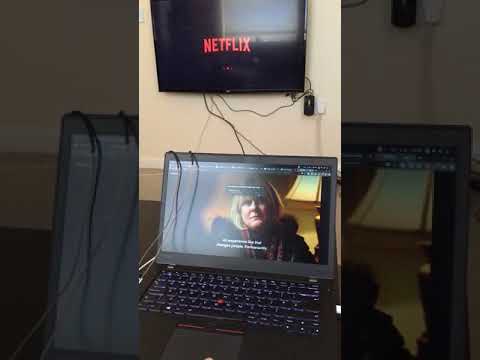
Netflix / HTML5: