

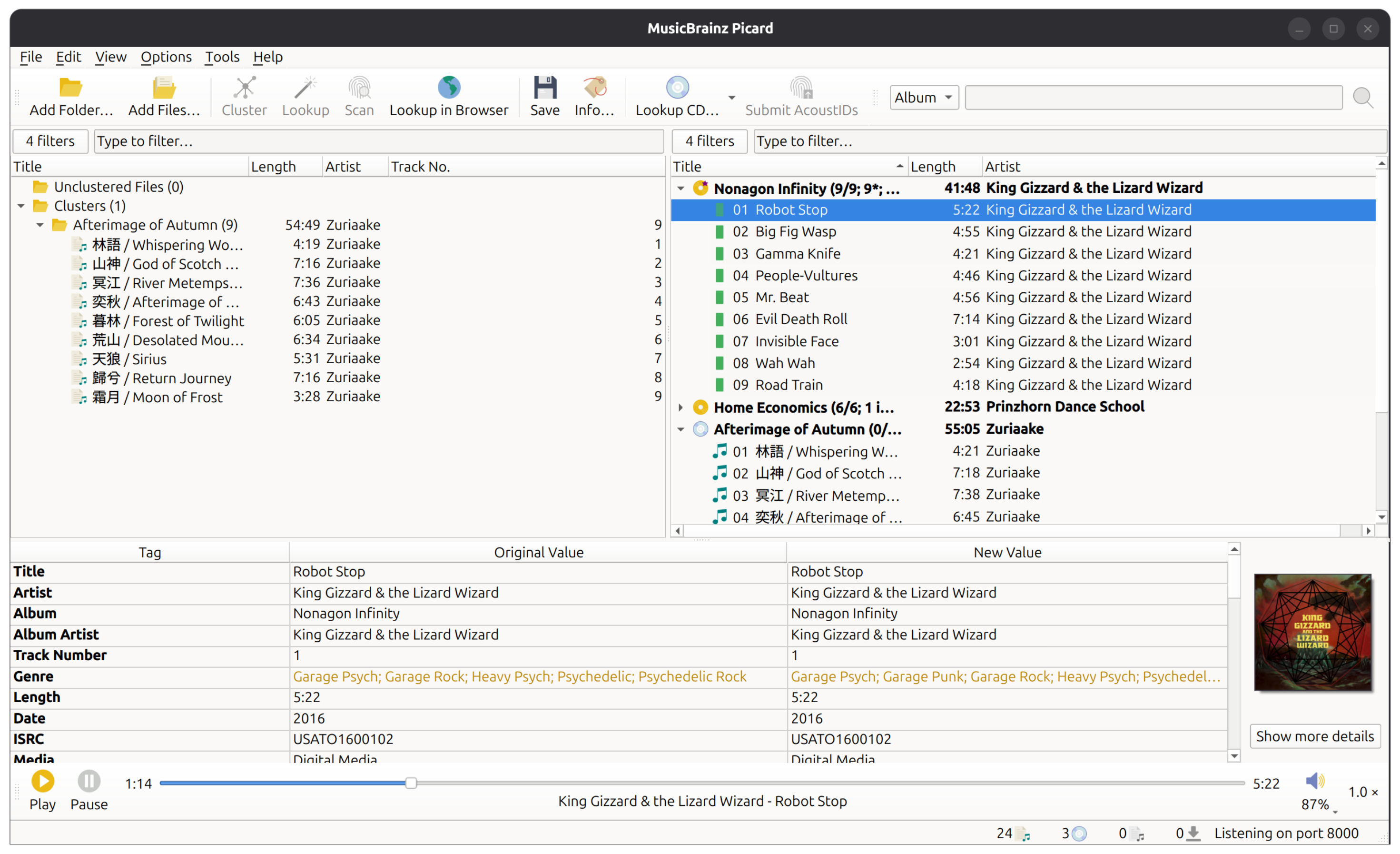
This is the snap for MusicBrainz Picard, the official MusicBrainz audio tagger. It works on Ubuntu, Fedora, Debian, and other major Linux distributions.

sudo snap install picard
Picard installed as a Snap is running inside a sandbox and thus it does not have full access to all files and folders on your system. By default Picard has access to your home folder. You can additionally give it access to removable media by running the following command on a terminal:
snap connect picard:removable-media
See also the Installing with Snap instructions in the MusicBrainz Picard documentation.
Please see the Picard download page for installing Picard on other platforms.
The Picard Snap should show up as an application "MusicBrainz Picard" in your desktop environment. You can also start it from a terminal:
snap run picard
Picard 3 provides a CLI that allows managing plugins from command line. Run the following command for more information on how to use this:
snap run picard.cli --help
Please report all bugs and feature requests in the MusicBrainz issue tracker. If you need support in using Picard please read the documentation first and have a look at the MusicBrainz community forums.