Jami Studio is an open-source framework for apps where agents and UI share the same actions, state, and context.
// One action powers every app surface: UI, agent, HTTP, MCP, A2A, and CLI.
export default defineAction({
  schema: z.object({
    emailId: z.string(),
    body: z.string(),
  }),
  run: async ({ emailId, body }) => {
    await db.insert(replies).values({ emailId, body });
  },
});- Actions: Define work once. Use it from every app surface: UI, agent, HTTP, MCP, A2A, and CLI.
- Agent runtime: Chat, tools, skills, memory, jobs, observability, and handoffs ship together.
- Backend agnostic: Plug in any Drizzle-supported SQL database and Nitro-compatible host.
Fork a working app and let the agent evolve it. You can customize everything.
Jami Studio Loom + Jam
Record your screen with auto-transcripts and captured browser debug logs, share a link, and let an agent read the transcript, see timestamped frames, and fix the bug.
Plans
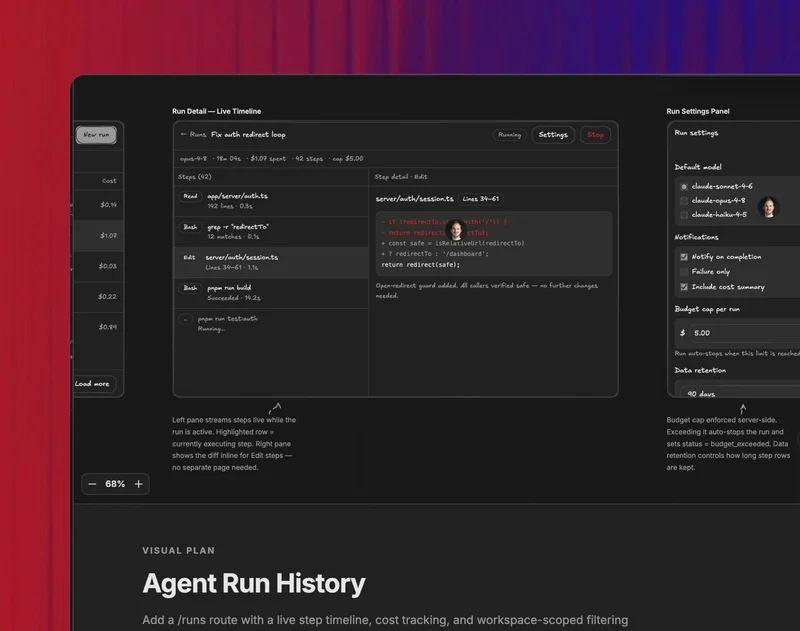
Visual plan mode for coding agents
Install /visual-plan and /visual-recap so your coding agent can plan before it builds and recap changes after they land. High-level code reviews with diagrams, wireframes, annotations, and review links.
Design
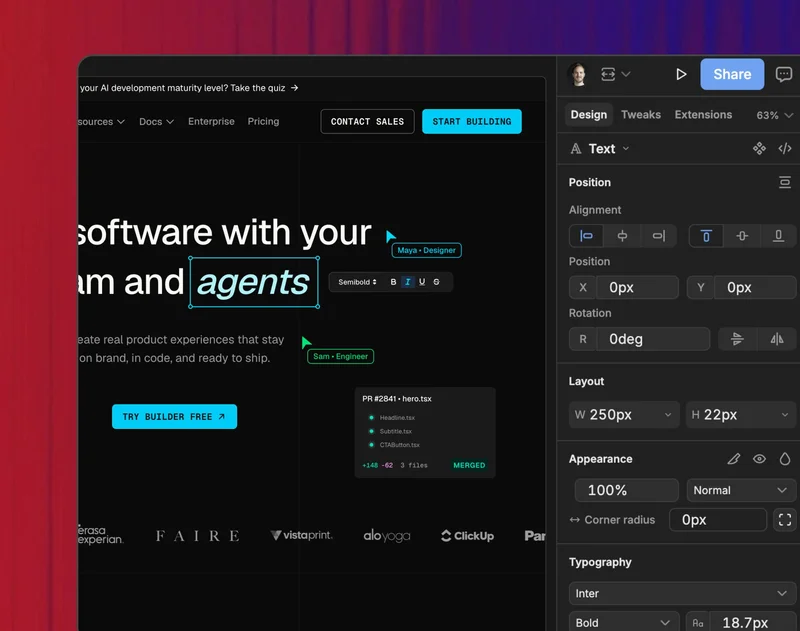
Jami Studio design prototyping
Generate interactive HTML prototypes, compare variants, refine controls, and export the result.
Content
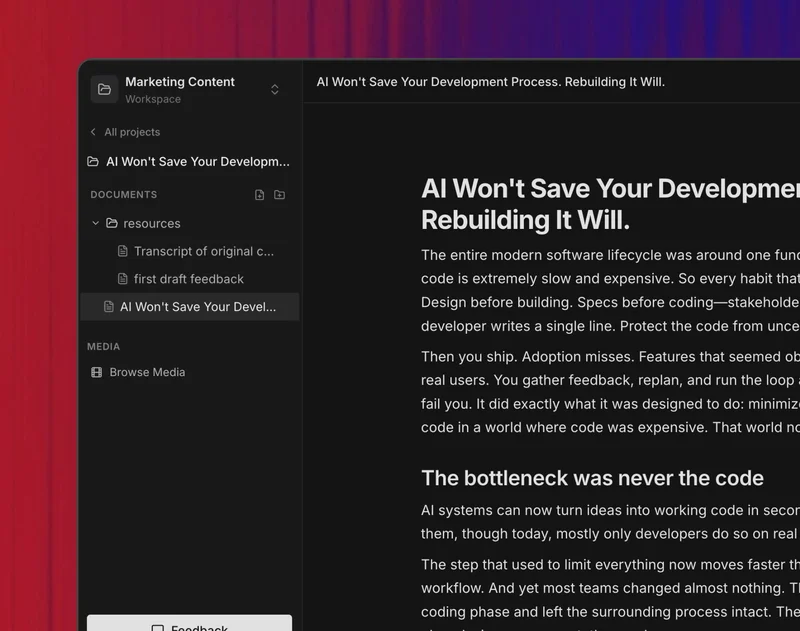
Open-source Obsidian for MDX
Edit local Markdown/MDX files, generate rich interactive custom blocks, and draft, rewrite, or publish with an agent.
Slides
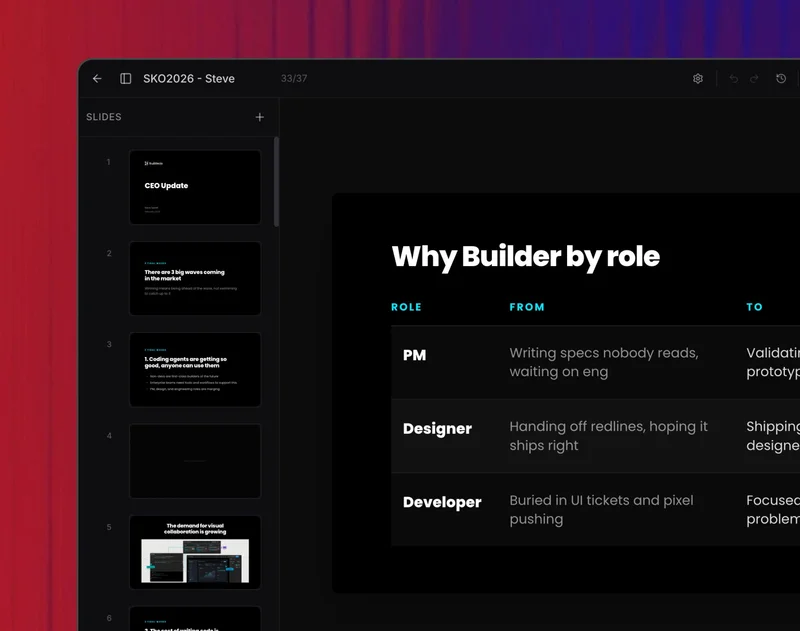
Jami Studio Google Slides, Pitch
Generate and edit React-based presentations via prompt or point-and-click.
Analytics
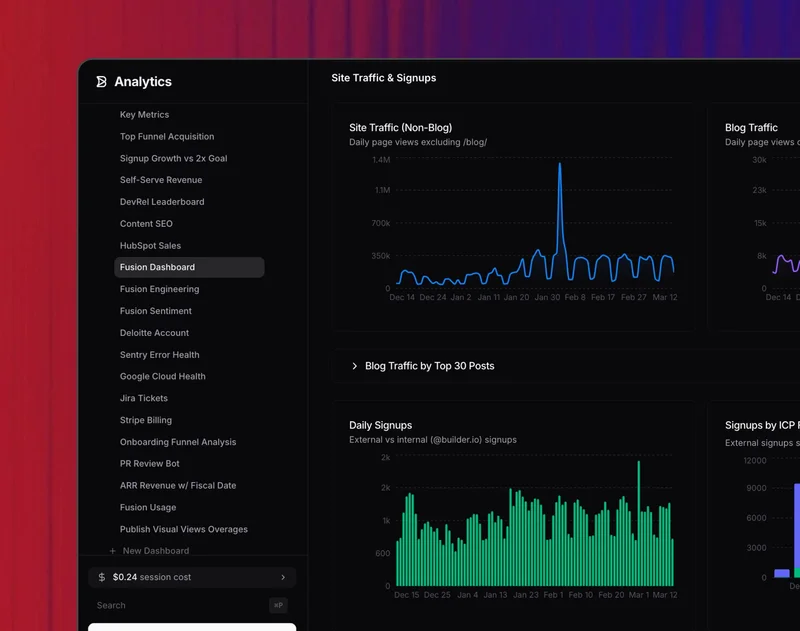
Jami Studio Amplitude, Mixpanel
Connect analytics data sources, prompt for real charts, and build reusable dashboards.
View the full app gallery at jami.studio/templates.
One command to start a new app locally.
npx @agent-native/core@latest create my-app
cd my-app
pnpm install
pnpm dev
create first asks how you want to start:
- Full app(s): clone one or more complete apps into a workspace. Pick Mail + Calendar + Forms and you get all three wired up and sharing auth.
- Chat: a single app with a minimal chat UI and the browser shell already wired, the simplest way to get a UI.
- Headless: a single action-first app with no UI shell. The CLI walks you through calling your first action and agent, and you can add a UI later.
Prefer flags? create my-app --template mail, --headless, or --standalone skip the prompt.
See the full getting started docs.
Join the Discord to ask questions, share what you're building, and get help.
Full documentation at jami.studio.
Working on this repo itself (not just building an app with it)? See DEVELOPMENT.md for local setup, workspace structure, and guard scripts.
MIT